
WordPress calendar plugin with timezone support
Global events made simple
Schedule events across any time zone and let Sugar Calendar automatically display accurate times to every visitor. Simplify scheduling for international conferences, webinars, and distributed teams reaching worldwide audiences.


Time zone features
Accurate times for visitors anywhere in the world
Localization tools, time zone support, & custom date and time formats that make scheduling international events simple.
Set time zones per event
Assign a specific time zone to each event individually. Great when you’re hosting events across different locations or managing a calendar with events in multiple regions.
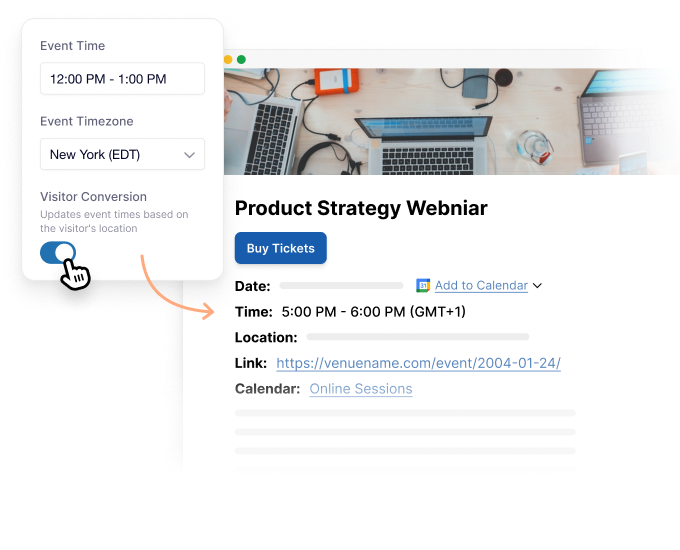
Automatic visitor conversion
Enable automatic time conversion and visitors see event times in their local time zone. Sugar Calendar detects their browser location and updates times.
Multi-timezone mode
Run events across multiple time zones simultaneously. Set different start and end times for each location to coordinate global events.
Custom date and time settings
Choose how dates and times display on your site. Select from common formats or create your own custom format to match your locale or preference.
Floating time zone option
Use floating time zones for events that aren’t tied to a specific location. Ideal for virtual events where participants join from various regions and need flexibility.
Single timezone mode
Apply one time zone across your entire calendar when all your events happen in the same region. Keeps things simple while maintaining accurate time displays for visitors.
Localization for global events
- International conferences
- Webinars & Online events
- Distributed & remote teams
- Global training programs
- Multinational organizations
- Online course creators
- Virtual event coordinators
- Multi-location businesses
- International consultants
- Global nonprofits
- Remote education platforms
- Anyone with a worldwide audience
Why use Sugar Calendar for event localization?
Eliminate time zone confusion
Visitors see event times in their local time zone when you enable automatic conversion. No guesswork, no manual conversion, and no missed events because someone calculated wrong.
Reach audiences anywhere
Your events aren’t limited by geography. Whether you’re hosting a webinar at 2pm EST or a conference across three continents, Sugar Calendar handles the complexity so everyone sees the right time.
Set it once and forget it
Configure your time zone preferences once and Sugar Calendar handles everything else. Set a default time zone for most events, adjust individual events when needed, and enable automatic visitor conversion.
Build trust with accuracy
Accurate, converted event times show your audience you’re professional and organized. This attention to detail builds trust and encourages people to register for future events.
Explore other powerful features
Everything you need for seamless event management.
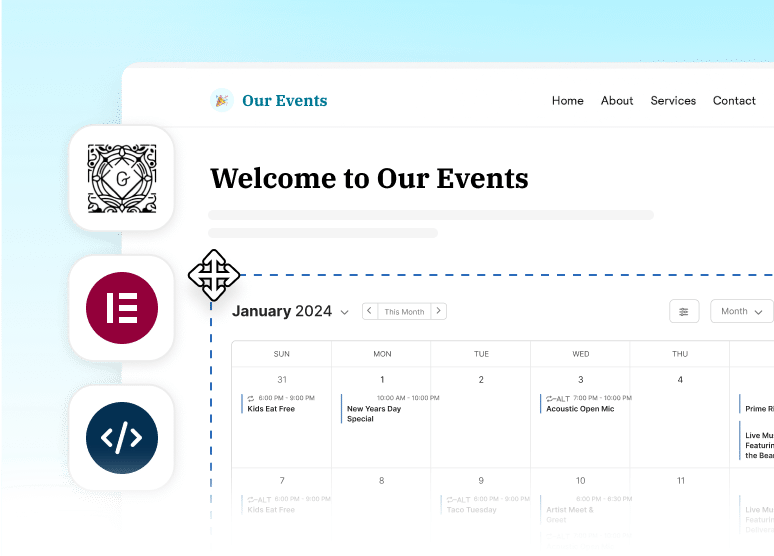
Recurring Events
Set up events that repeat automatically on any schedule you need.
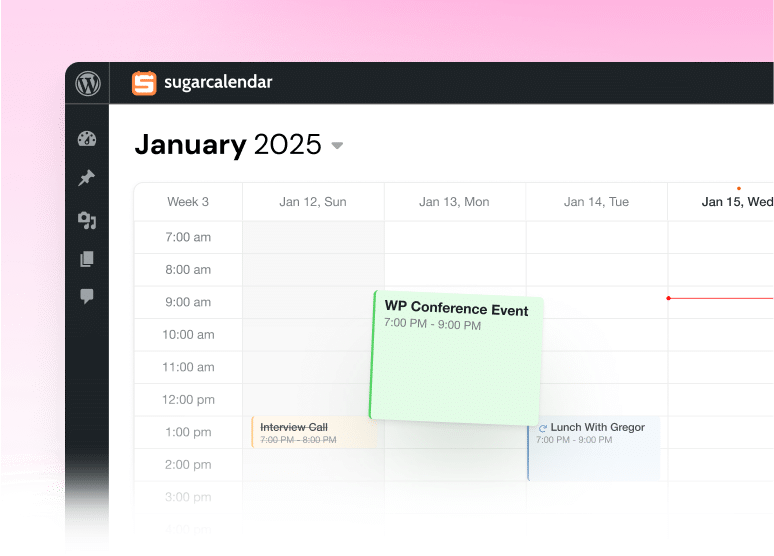
Calendar Feeds
Let attendees sync your events to Google Calendar, Outlook, and Apple Calendar.
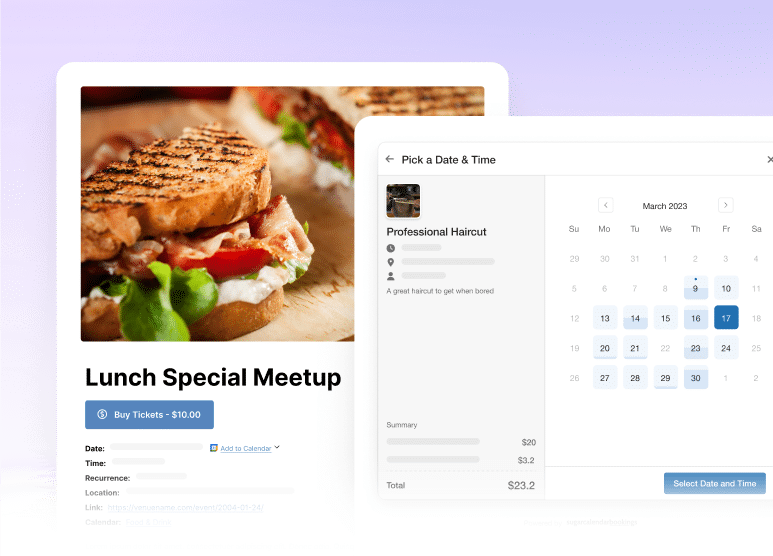
Event Ticketing
Accept payments and sell tickets directly from your WordPress site.
Frequently asked questions
Do you have a question about Sugar Calendar time zones? See the list below for our most frequently asked questions. If your question is not listed here, then please contact us.
How do I enable time zone support?
Go to Sugar Calendar » Settings and scroll to the Time Zone section. Choose from Off, Single (one time zone for all events), or Multi (different time zones per event). Set your default time zone and enable visitor conversion if you want times displayed in each visitor’s local time zone.
Can I set different time zones for different events?
Yes. When you enable Multi-timezone mode, each event gets its own time zone dropdown. You can set events in New York, London, Tokyo, or any other time zone independently. This is perfect for organizations running events in multiple locations.
What does automatic visitor conversion do?
When enabled, Sugar Calendar automatically detects each visitor’s browser time zone and displays all event times converted to their local time. A visitor in California sees Pacific times, while someone in Germany sees Central European times—all from the same calendar. This feature works with most modern browsers.
What is a floating time zone?
A floating time zone means the event isn’t tied to any specific time zone. This is useful for virtual events where participants join from various locations. Instead of showing “2pm EST,” the event might just show “2pm” and let each participant interpret it in their own time zone.
Do visitors need to do anything special to see times in their time zone?
No. If you’ve enabled automatic visitor conversion, Sugar Calendar handles everything automatically. Visitors just view your calendar and see times converted to their local time zone based on their browser settings. No manual selection or configuration required on their end.
Can I use a single time zone for all my events?
Absolutely. Select Single mode in the time zone settings and choose your time zone. All events will use that time zone automatically. This is perfect if you only run events in one location or region and don’t need the complexity of multiple time zones.
How accurate is the automatic time zone detection?
Very accurate with modern browsers. Sugar Calendar uses browser APIs to detect the visitor’s time zone, which relies on the device’s operating system settings. As long as the visitor’s device is set to the correct time zone, they’ll see accurate converted times.
What happens if I change an event’s time zone later?
Just edit the event and select a different time zone from the dropdown. Sugar Calendar will recalculate and display the correct times automatically. If you have automatic visitor conversion enabled, all visitors will immediately see updated times converted to their local time zone.
Is time zone support included in the free version?
Basic time zone support is included in Sugar Calendar Lite. For advanced features like multi-timezone mode, per-event time zones, and automatic visitor conversion, you’ll need Sugar Calendar Pro. Upgrade to unlock the full power of global event scheduling.
Can I show both original and converted times?
Currently, Sugar Calendar displays the converted time based on your settings. For most use cases, showing the visitor’s local time is clearest and prevents confusion. If you need to display multiple time zones simultaneously, consider adding this information to your event description.