Need to move your Sugar Calendar Bookings license to a different website? Transferring your license is simple and ensures your plugin remains active and up to date on your new domain.
This tutorial walks you through how to deactivate your Sugar Calendar Bookings license on your old site, then reactivate it on your new one.
In This Article
Deactivating Your Sugar Calendar Bookings License
You can deactivate your Sugar Calendar Bookings license in two ways: From your WordPress dashboard or directly through your Sugar Calendar account. Let’s go over both methods below.
WordPress Admin Area
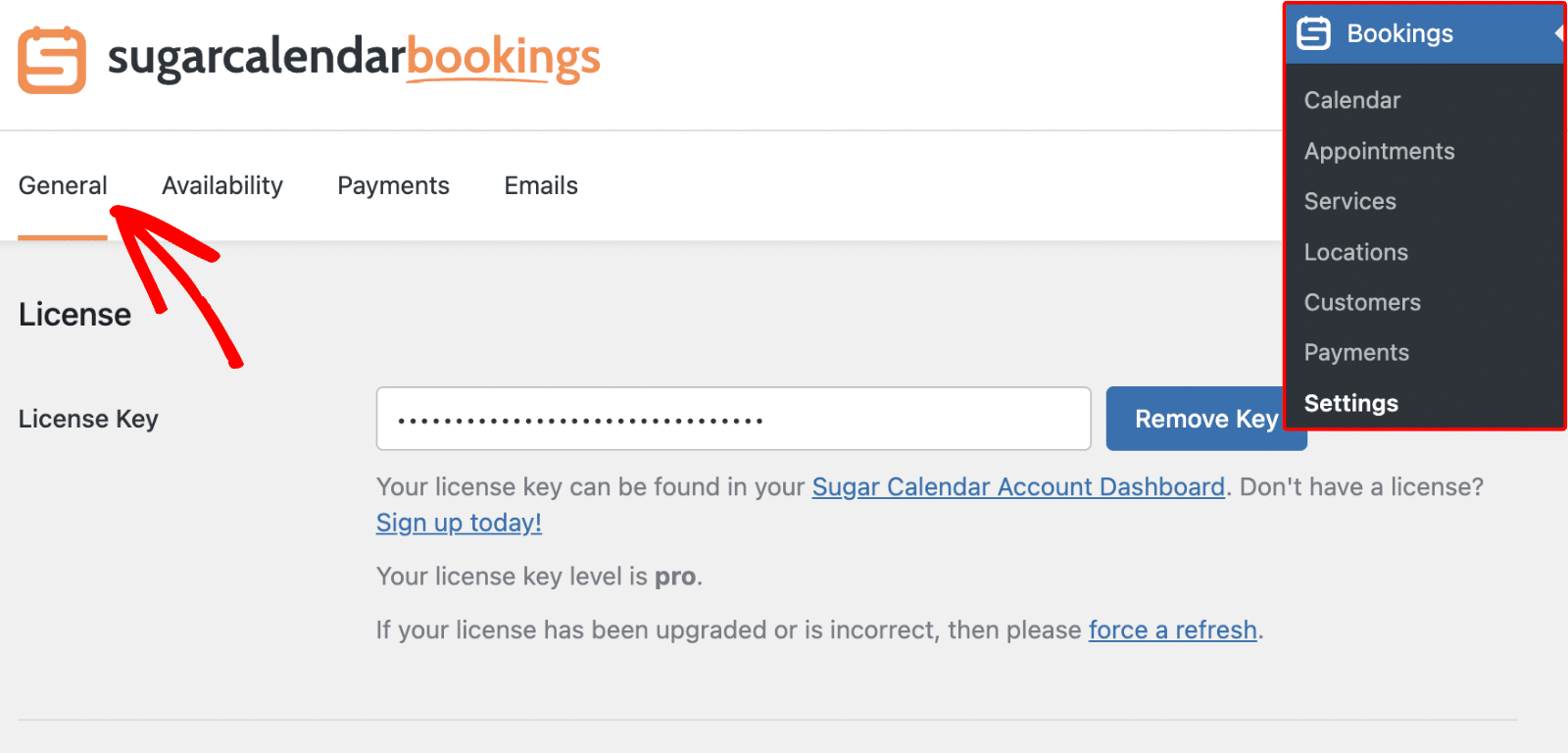
Start by logging in to your WordPress dashboard. From the menu, navigate to Bookings » Settings, then click the General tab.
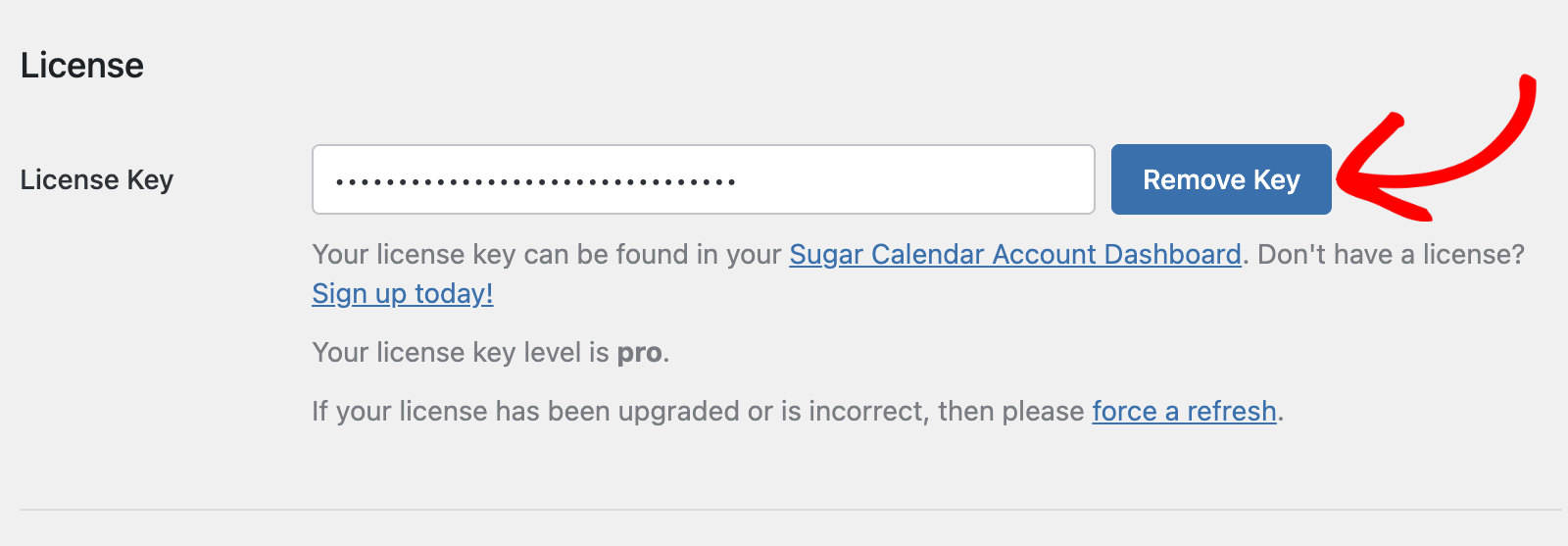
Under the License section, click the Remove Key button next to your license key field.
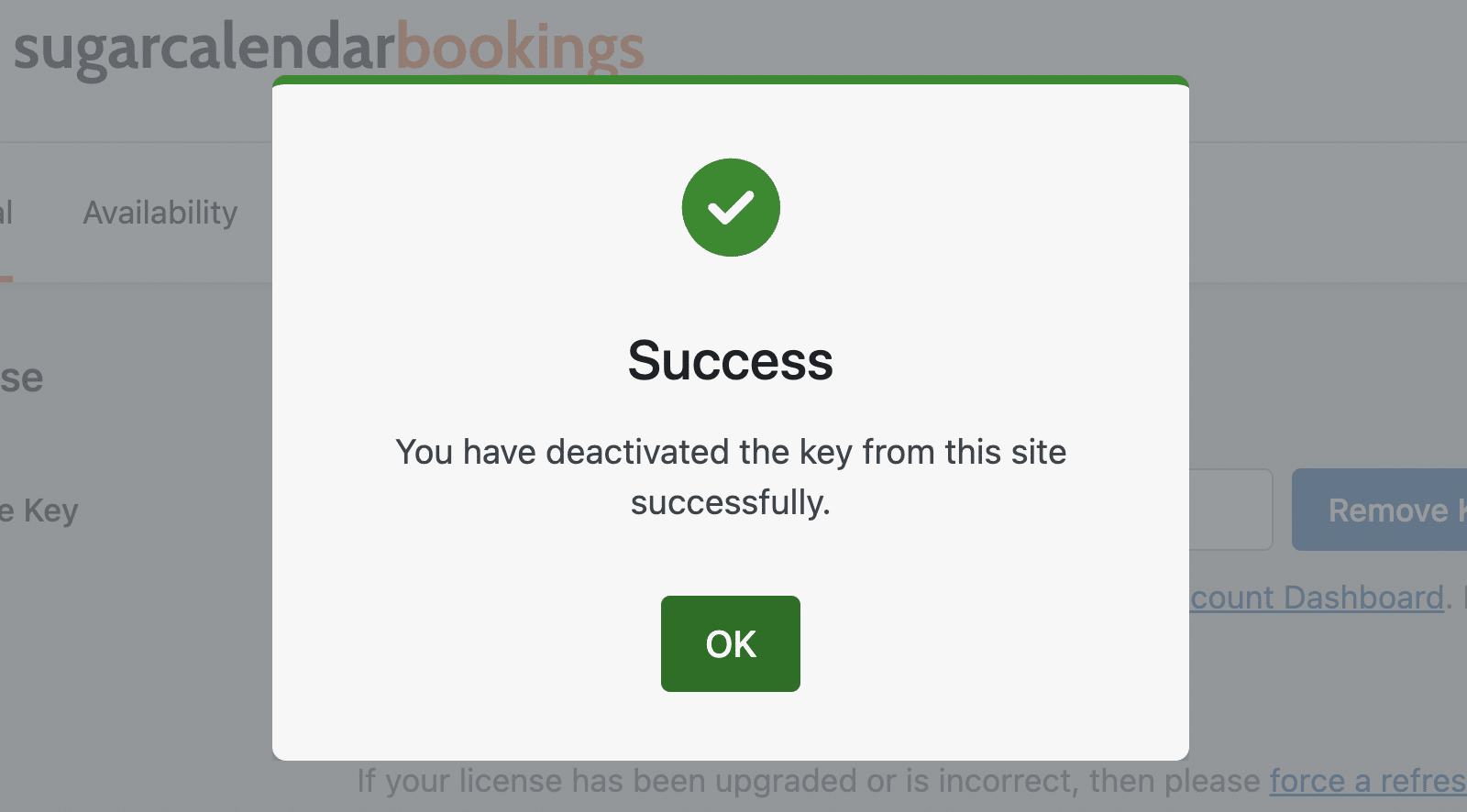
Once the license is deactivated, you’ll see a success message confirming the key has been removed from your site.
Sugar Calendar Account
If you prefer, you can also deactivate your license through your Sugar Calendar account.
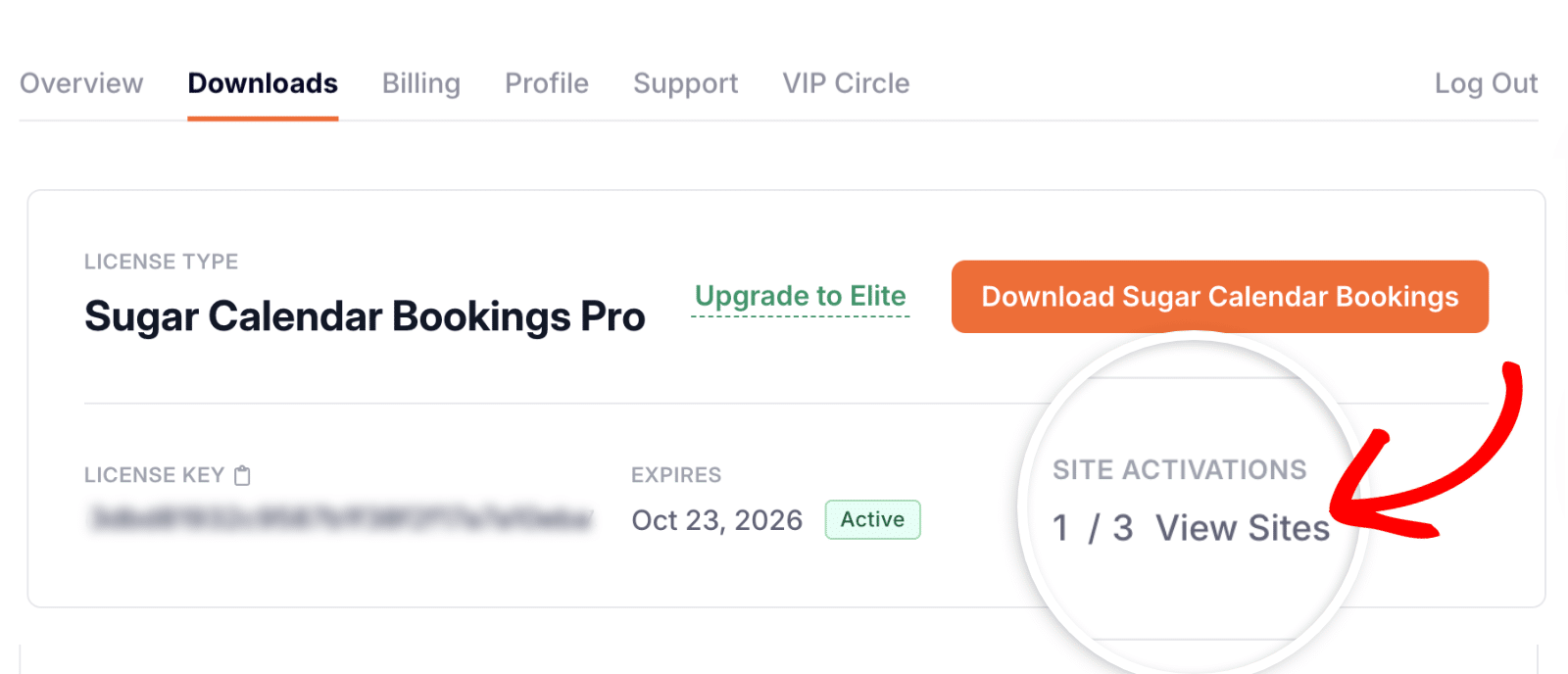
Once logged in, click the Downloads tab.
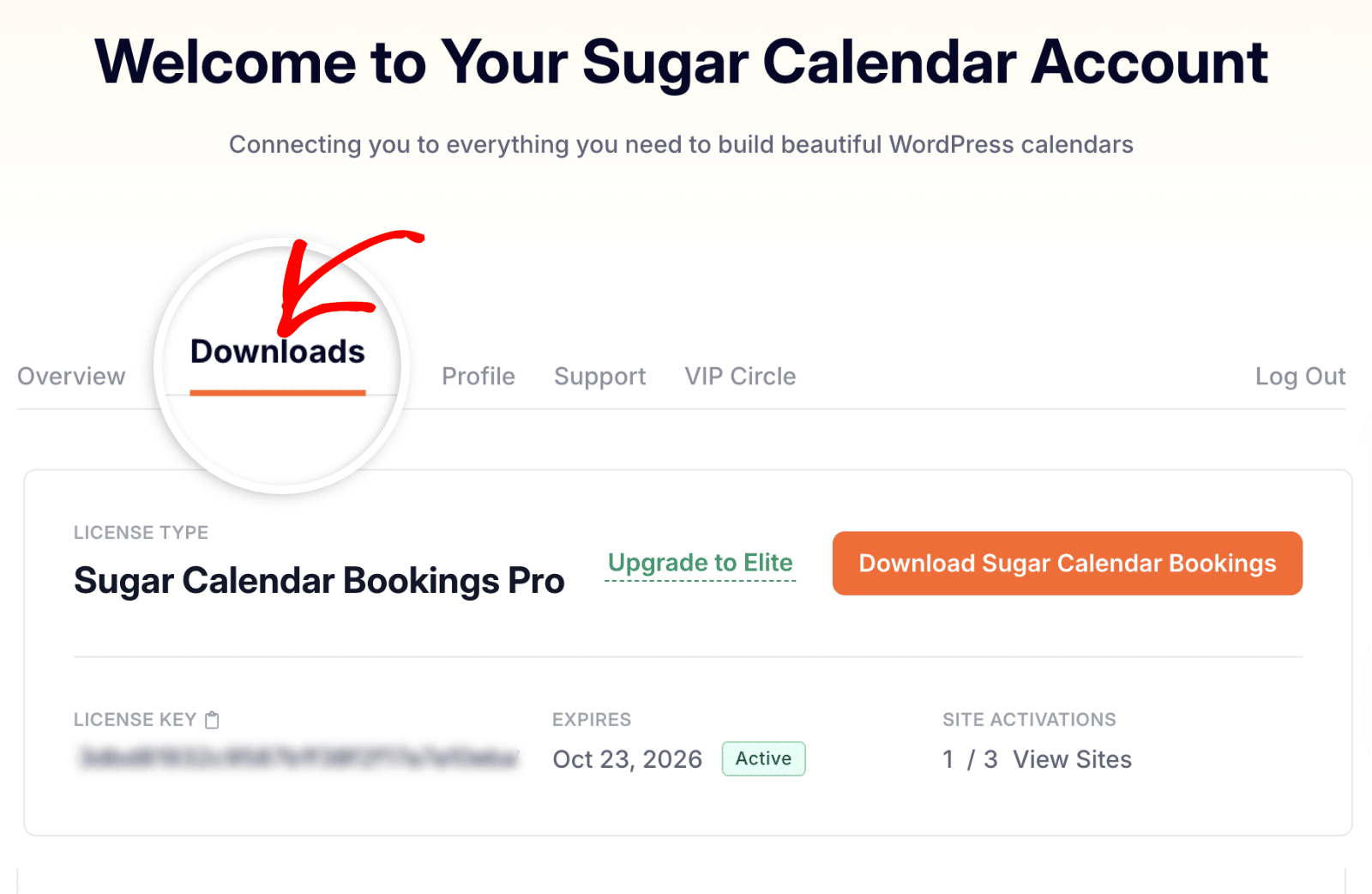
In this section, locate your license details and click View Sites to see where your license is currently activated.
From the popup window, find the site you want to remove and click Deactivate Site.
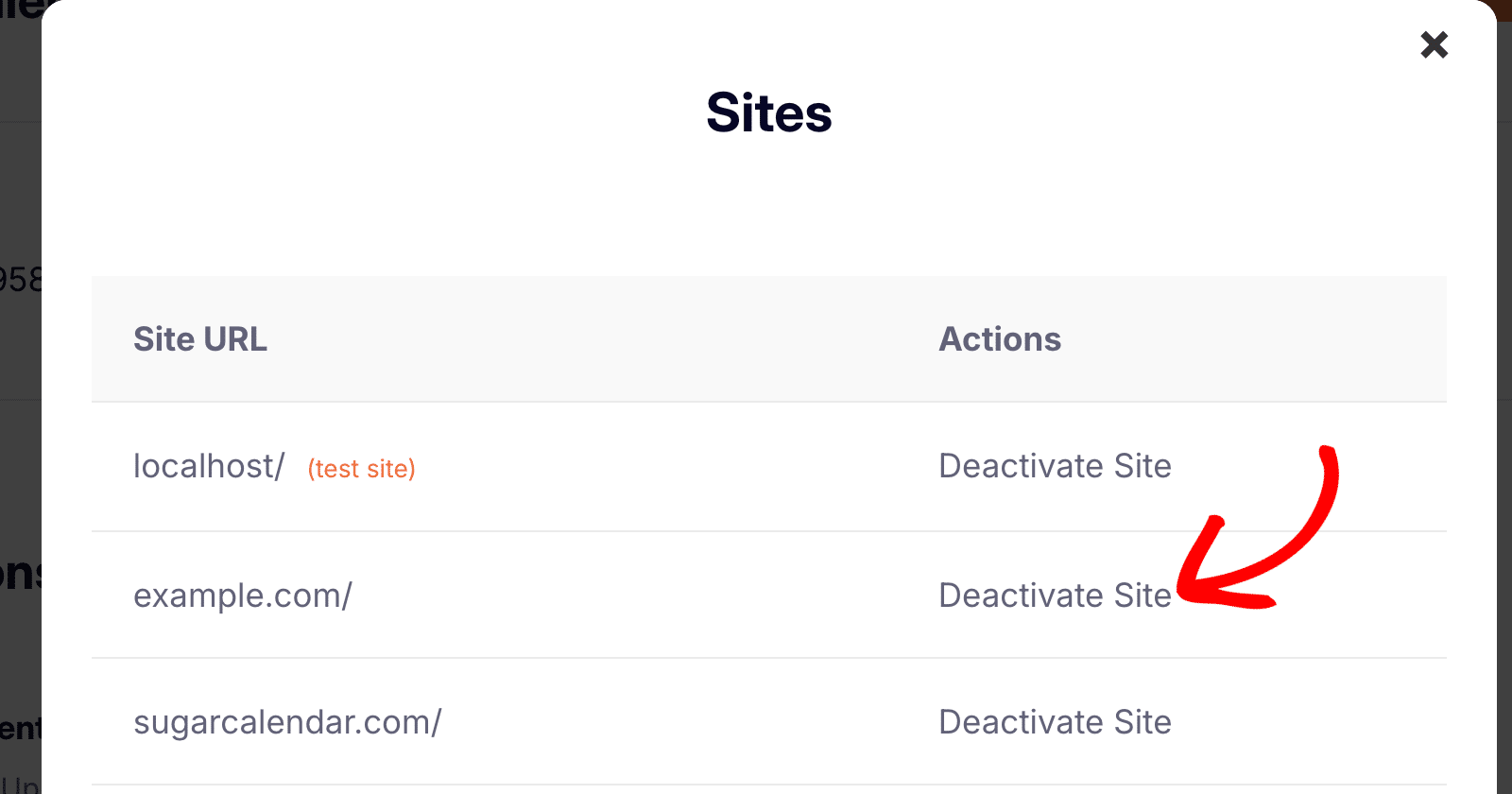
Your site will be immediately removed from the list, freeing up an activation slot for your new domain.
Activating Your Sugar Calendar Bookings License on a New Site
Now that your old site has been deactivated, you can activate your license on your new WordPress site.
First, make sure you’ve installed and activated the Sugar Calendar Bookings plugin on your new site.
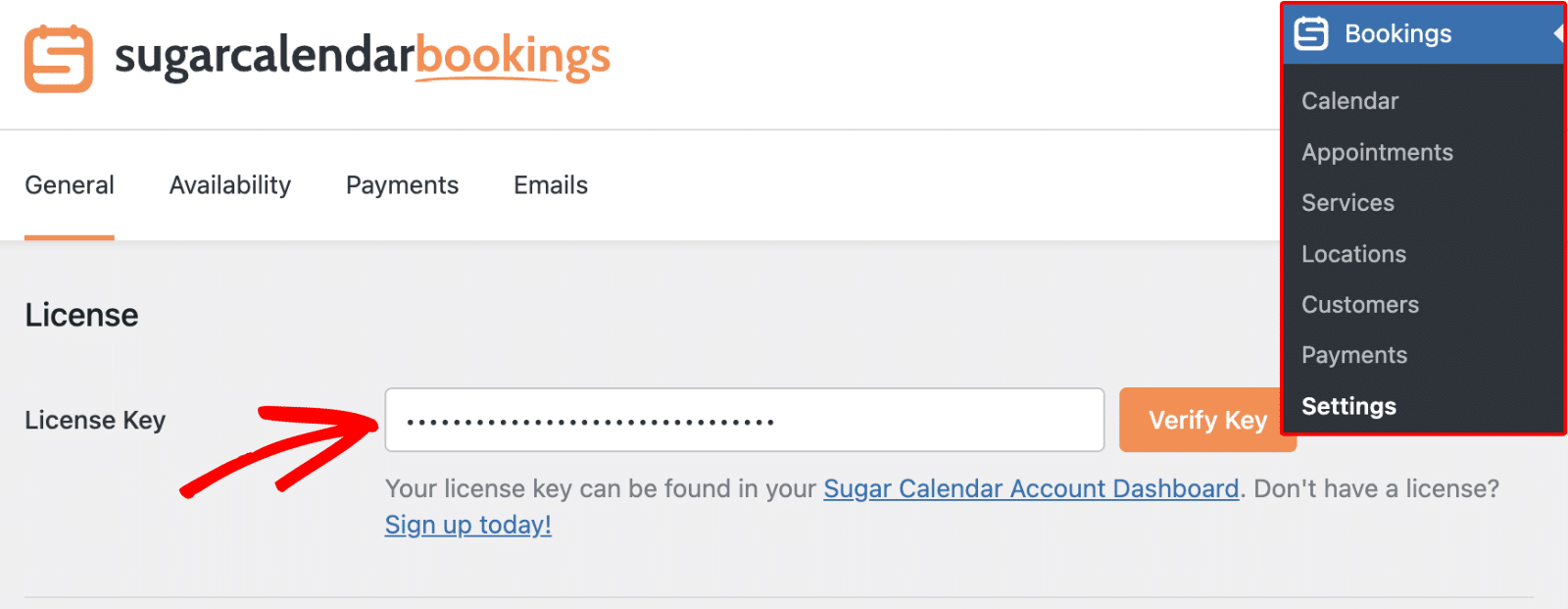
Next, go to Bookings » Settings and open the General tab. Then, paste your license key into the License Key field.
After pasting your license key, click the Verify Key button to activate your license.
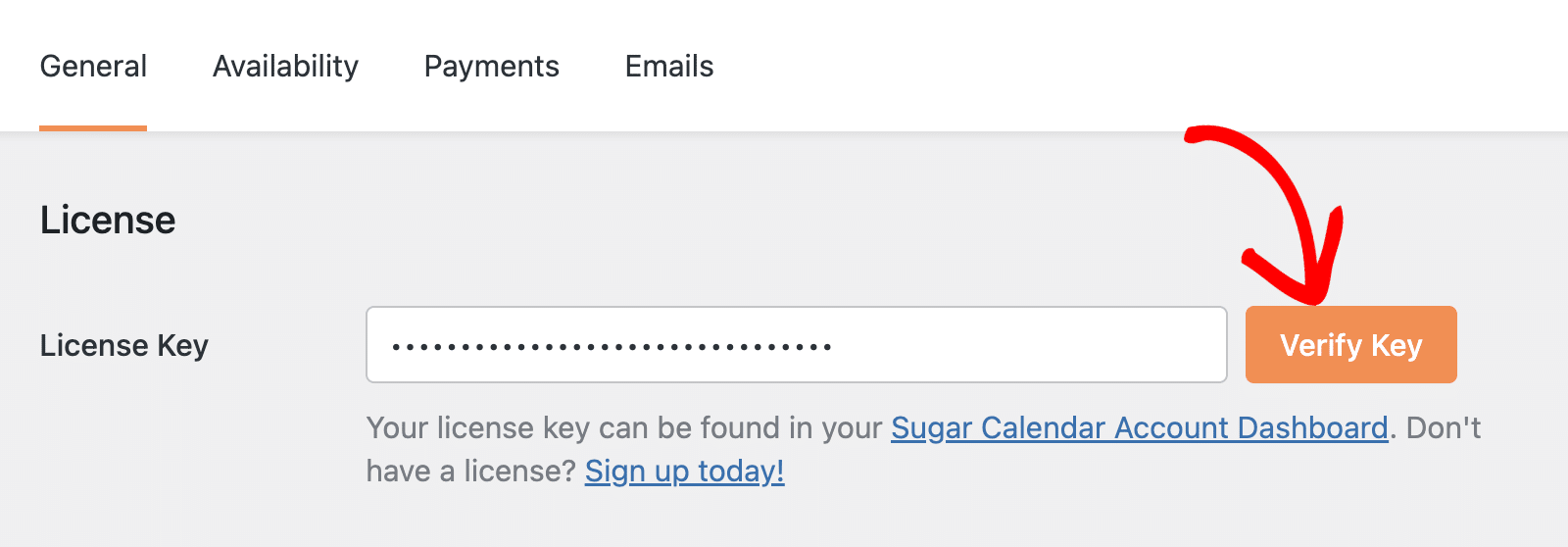
When your key is successfully verified, a confirmation message will appear on screen.
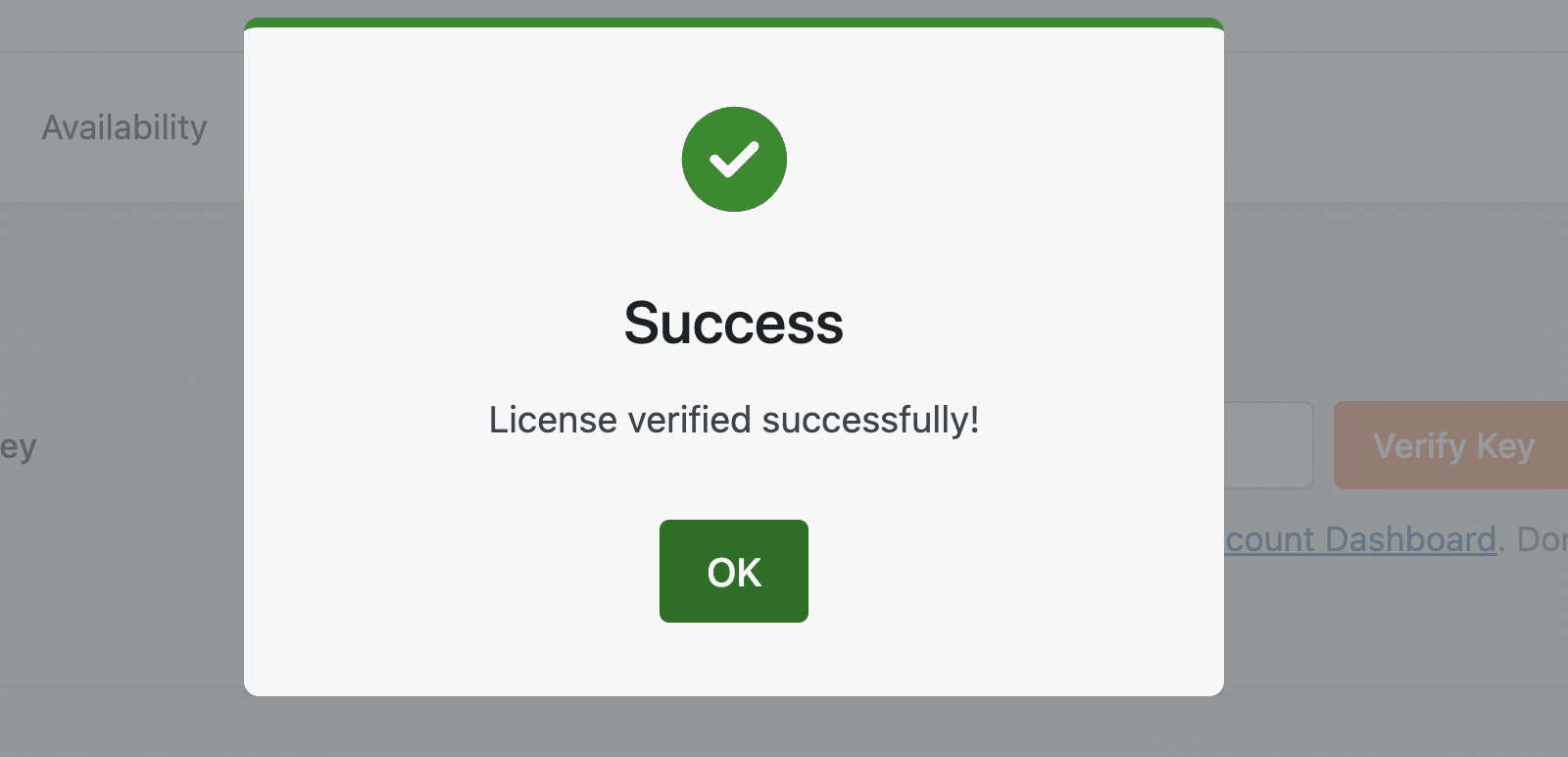
That’s it! You’ve successfully transferred your Sugar Calendar Bookings license to a new website.
Next, would you like to upgrade your license to unlock more site activations? Check out our guide on upgrading your Sugar Calendar license.