Need to verify your Sugar Calendar Bookings license? Activating your license key is important for unlocking automatic updates, accessing support, and ensuring your Sugar Calendar Bookings plugin functions properly.
This quick tutorial will walk you through how to verify your Sugar Calendar Bookings license directly from your WordPress dashboard.
In This Article
Before proceeding, make sure you’ve installed the Sugar Calendar Bookings plugin on your website.
Accessing Your License Key
After installing and activating the plugin, the next step is to locate your license key to verify your Sugar Calendar Bookings installation.
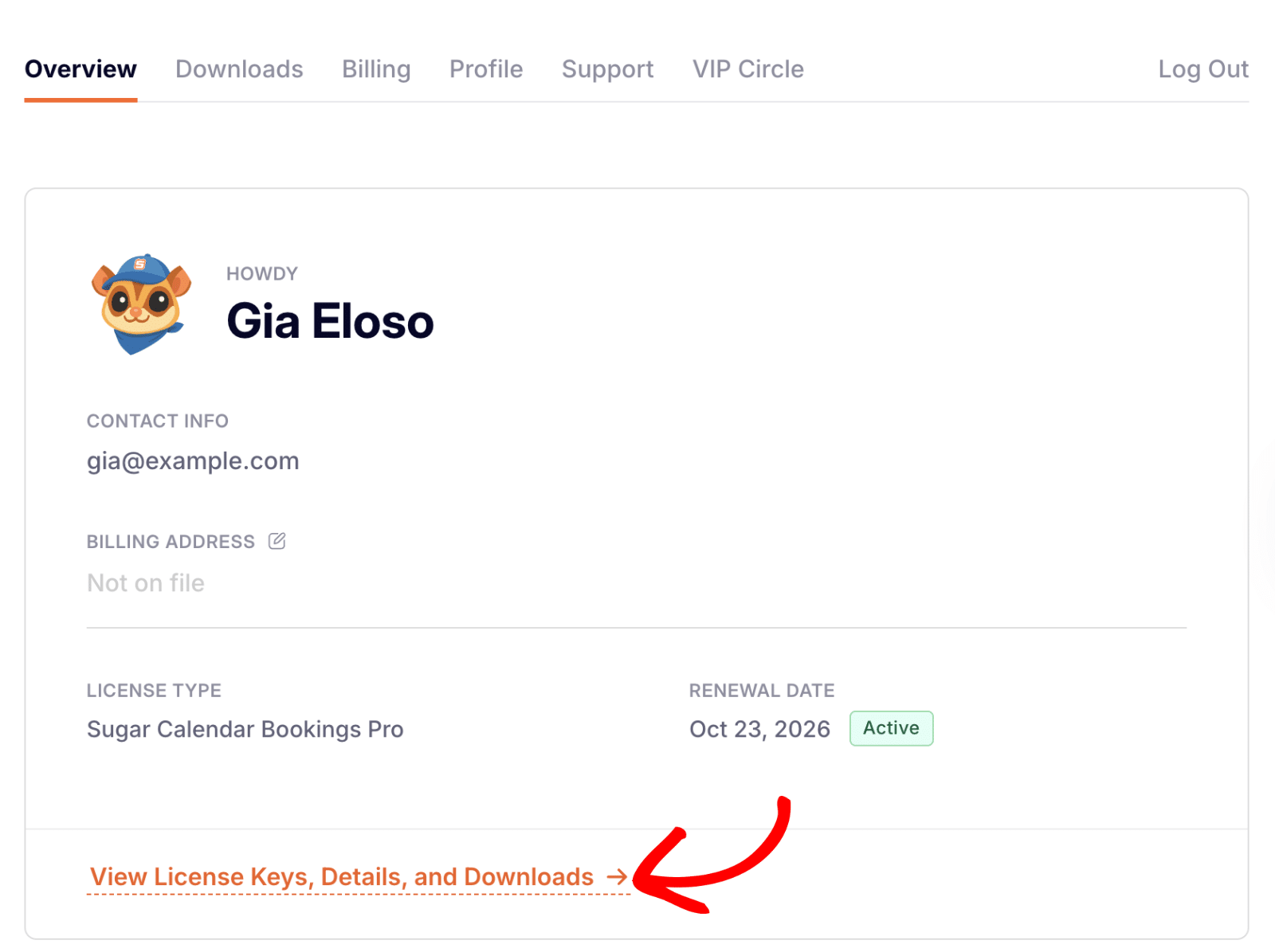
To access your license key, log in to your Sugar Calendar account and select View License Keys, Details, and Downloads from your account overview.
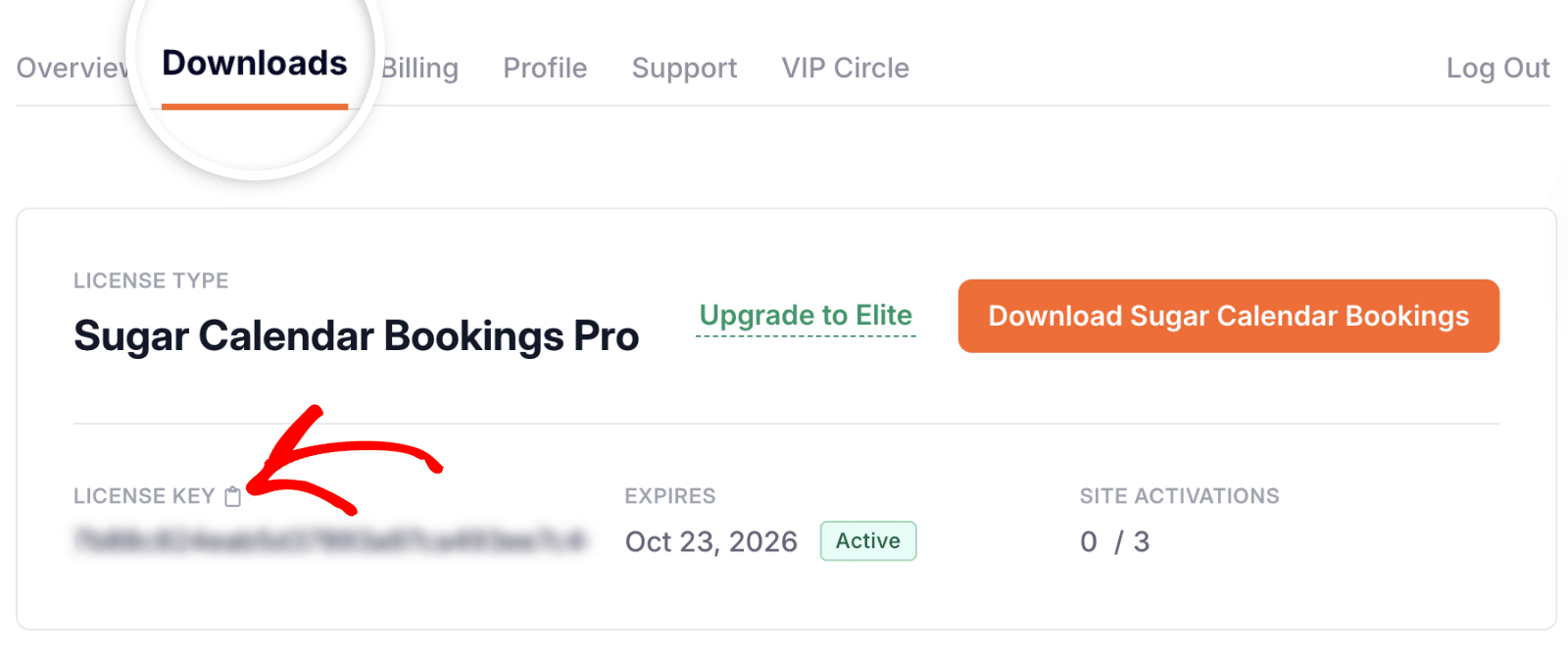
Next, click the Downloads tab. Here you’ll find your license details. Go ahead and click the copy icon beside the LICENSE KEY to copy it to your clipboard.
Verifying Your Sugar Calendar Bookings License
Once you’ve copied your license key, it’s time to verify it within your WordPress site to enable plugin updates and Bookings Pro features.
From your WordPress Dashboard, go to Bookings » Settings and click on the License & Usage tab.
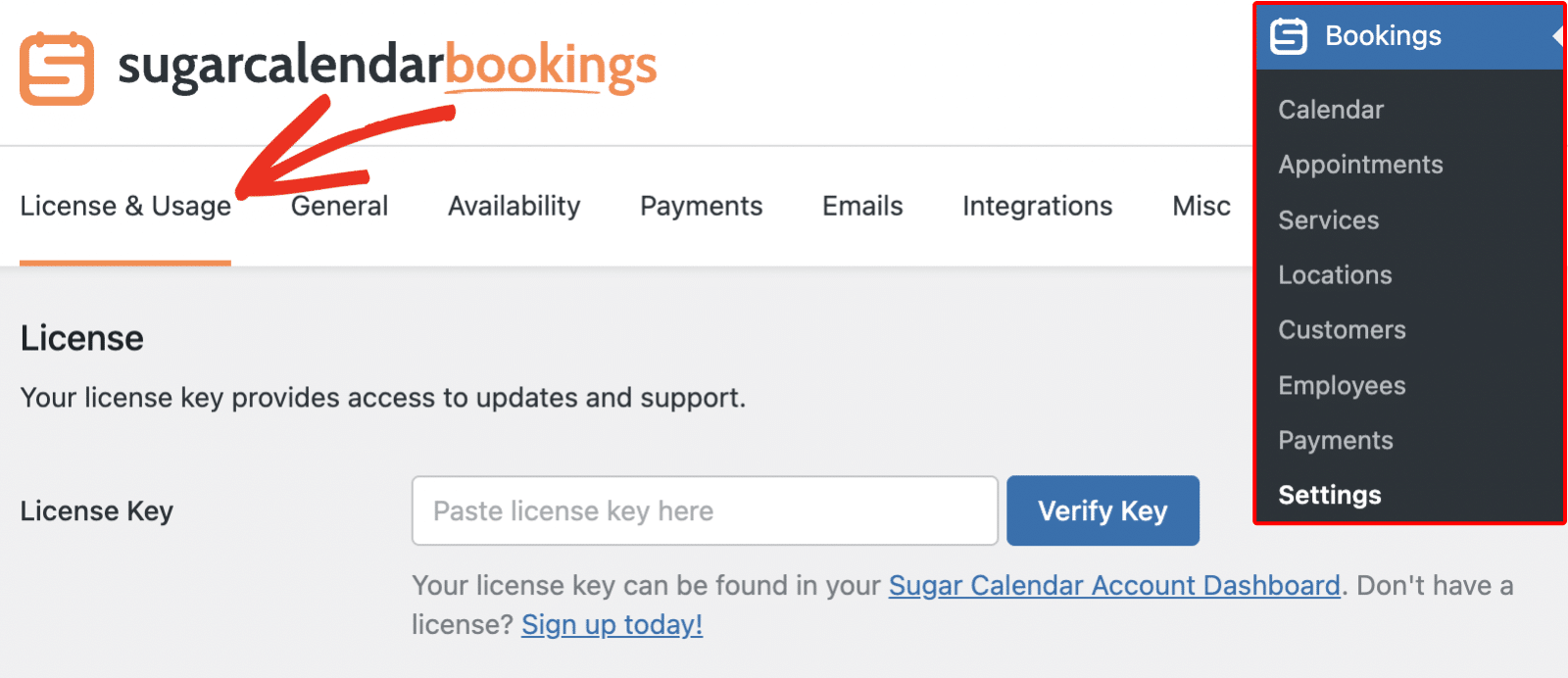
Once there, paste your copied license key into the License Key field.
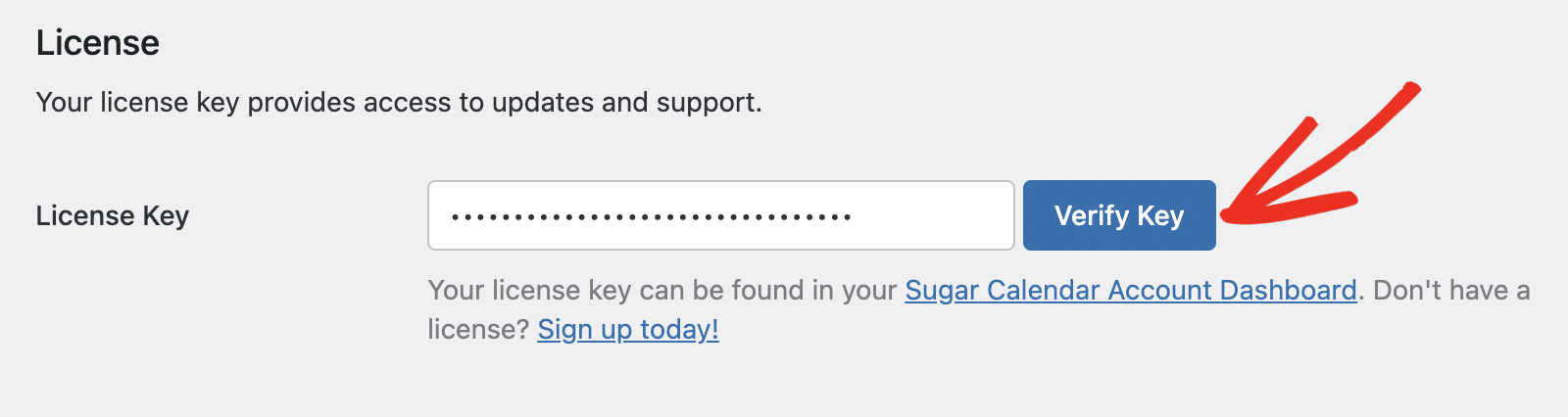
Then click the Verify Key button to activate your license on your website.
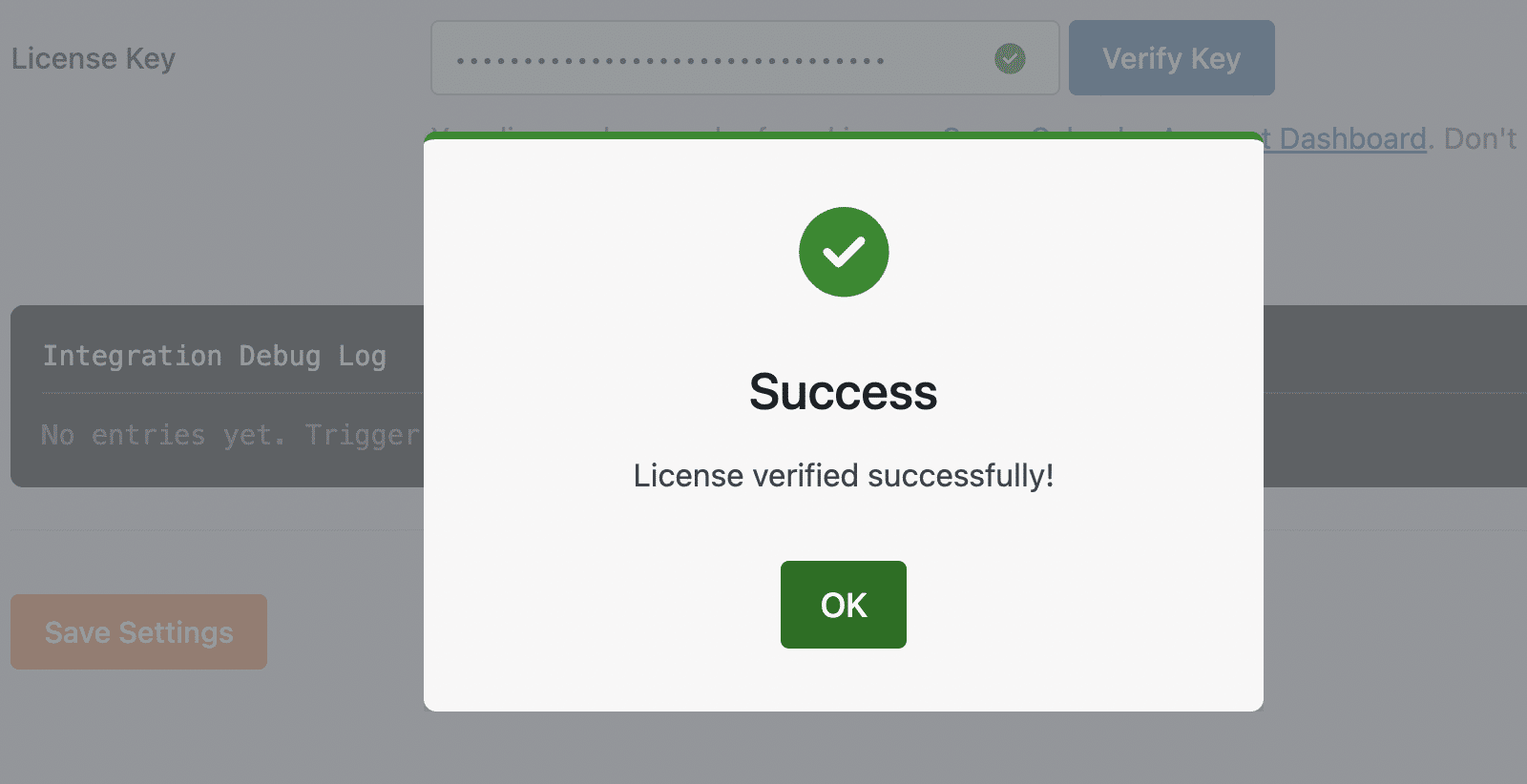
Once verified, you’ll see a success message confirming that your license key has been activated successfully.
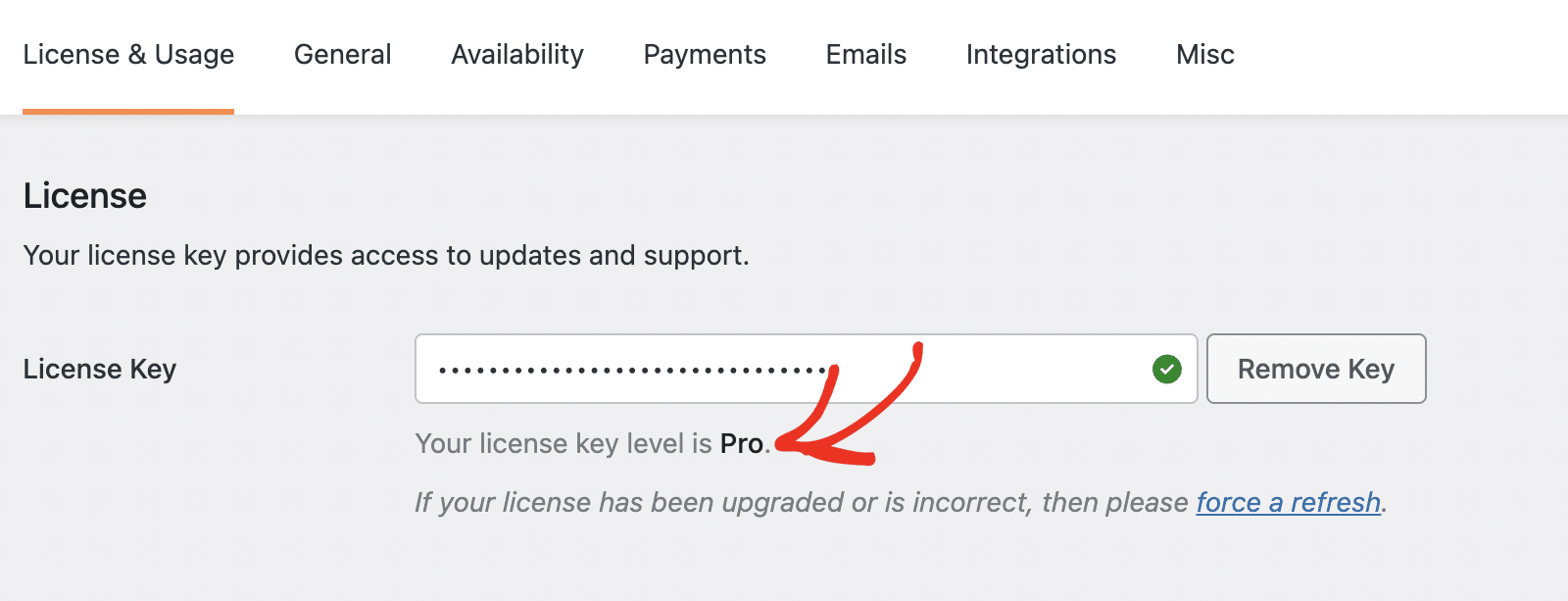
You’ll also notice a message beneath the License Key field displaying your current license level (for example, Pro).
Frequently Asked Questions
Here are some of the most common questions about verifying Sugar Calendar Bookings license.
How many sites can I use my Sugar Calendar Bookings license on?
Each license type includes a specific site limit. For example, a Basic license covers one site, while higher tiers allow multiple activations. Visit our pricing page for complete details on each plan’s limits.
Do subdomains count toward site limits?
Yes. Each subdomain or WordPress multisite counts as a separate activation. If you’ve reached your activation limit, you can upgrade your license to support additional sites.
Do localhost or staging sites count toward site limits?
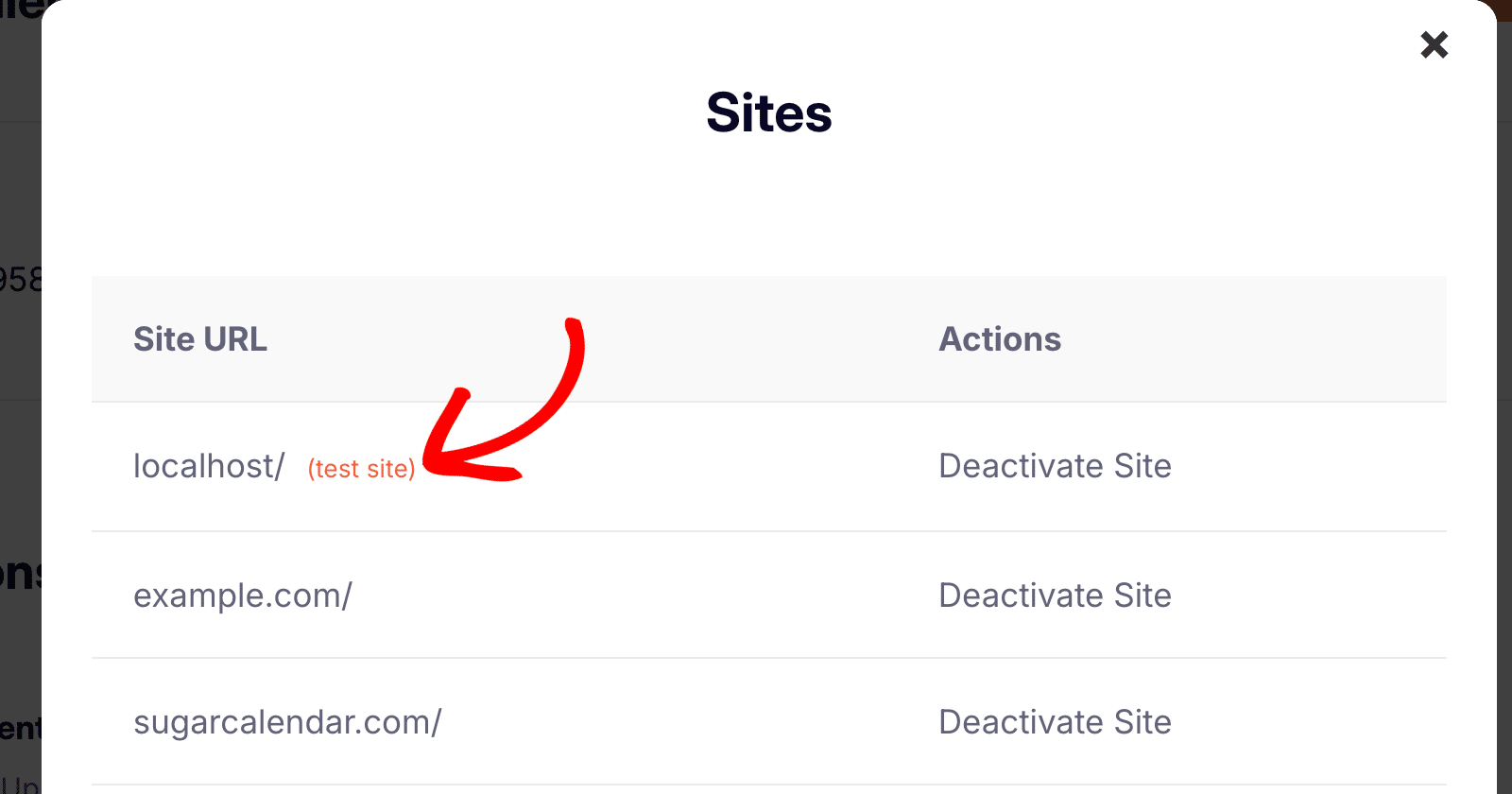
No, localhost and recognized staging domains are marked as test sites and do not count toward your active site limit. You can confirm this in your Sugar Calendar dashboard, where these sites appear with a “test site” label.
Domains recognized as test or local environments include:
- dev.*
- staging.*
- localhost
- 10.0.0.0/8
- 172.16.0.0/12
- 192.168.0.0/16
- *.dev
- *.local
- *.test
Next, want to learn how to manage appointments and services? Check out our guide on setting up Booking services.