Would you like to enable spam protection on your booking forms in Sugar Calendar Bookings? Enabling spam protection for online forms helps to prevent bot submissions and preserves server resources.
This tutorial will show you how to configure spam protection for your booking forms.
Before getting started, make sure Sugar Calendar Bookings is installed and activated on your WordPress site and that you’ve verified your license.
Accessing the Anti-Spam Settings
To get started, go to Bookings » Settings and select the Anti-Spam tab.
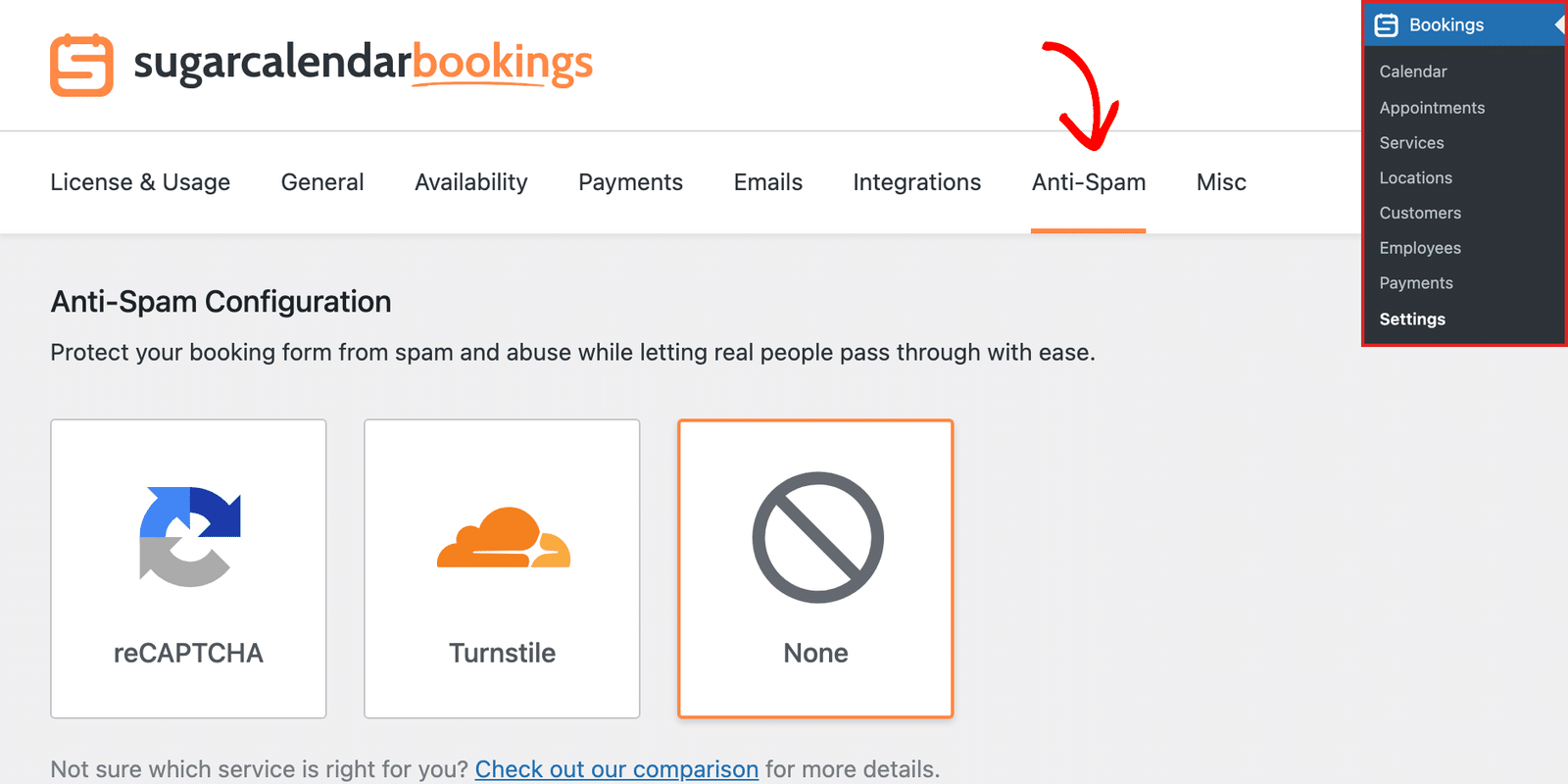
Once here, you’ll see the available spam protection options. Sugar Calendar Bookings currently supports Google reCAPTCHA and Cloudflare Turnstile protection. Below we’ll highlight the available options:
Google reCAPTCHA
reCAPTCHA is a free anti-spam service offered by Google. It adds an extra layer of security to online forms such as contact, newsletter, and booking forms. Protecting your form from spam and cyber attacks, while letting real users complete the form.
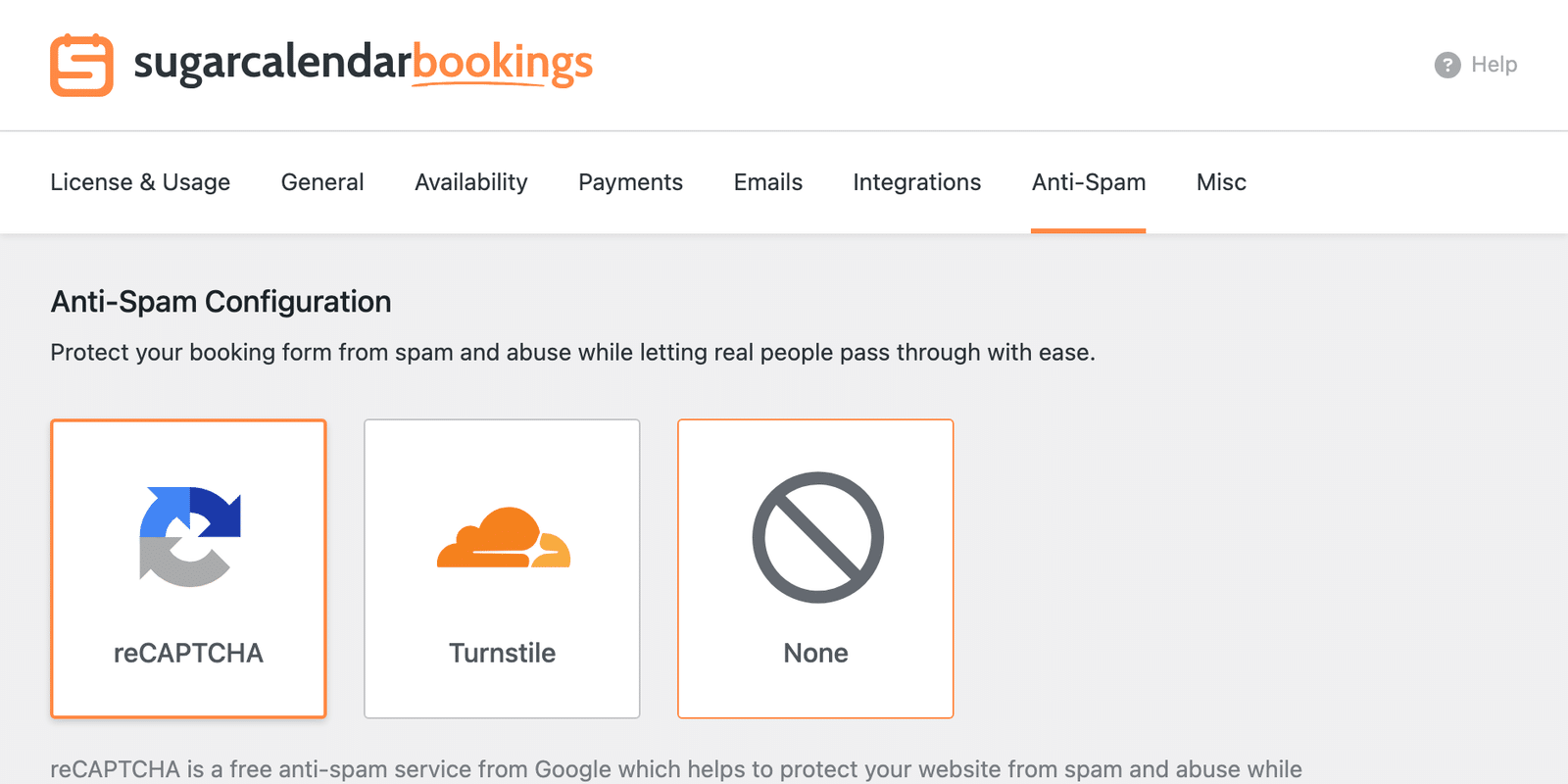
You can choose between the Checkbox reCAPTCHA v2, Invisible reCAPTCHA v2, or reCAPTCHA v3 options.
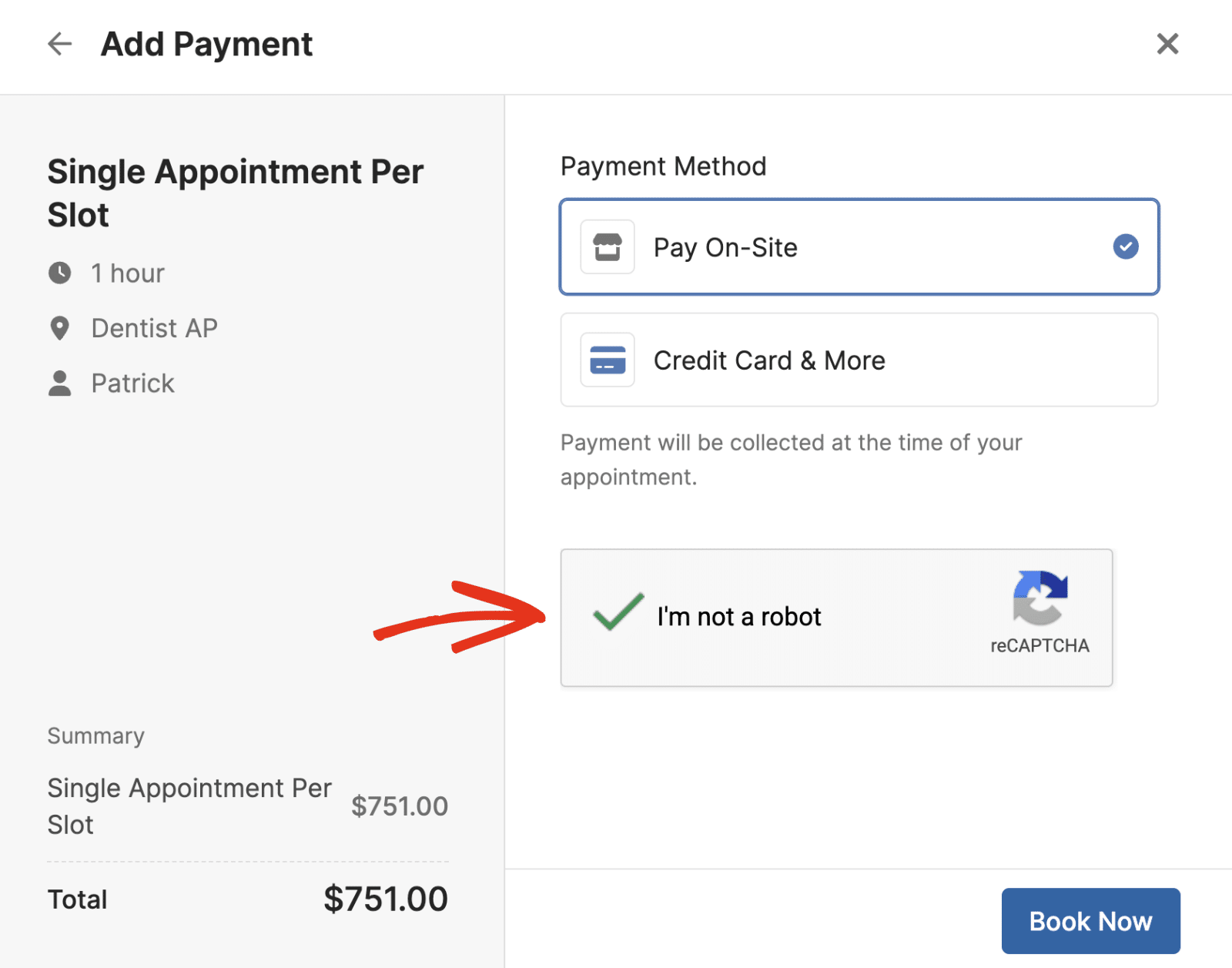
When filling out a booking form on your site’s frontend, you’ll see a Google reCAPTCHA badge at the bottom left of the page, indicating that the form is protected.
Cloudflare Turnstile
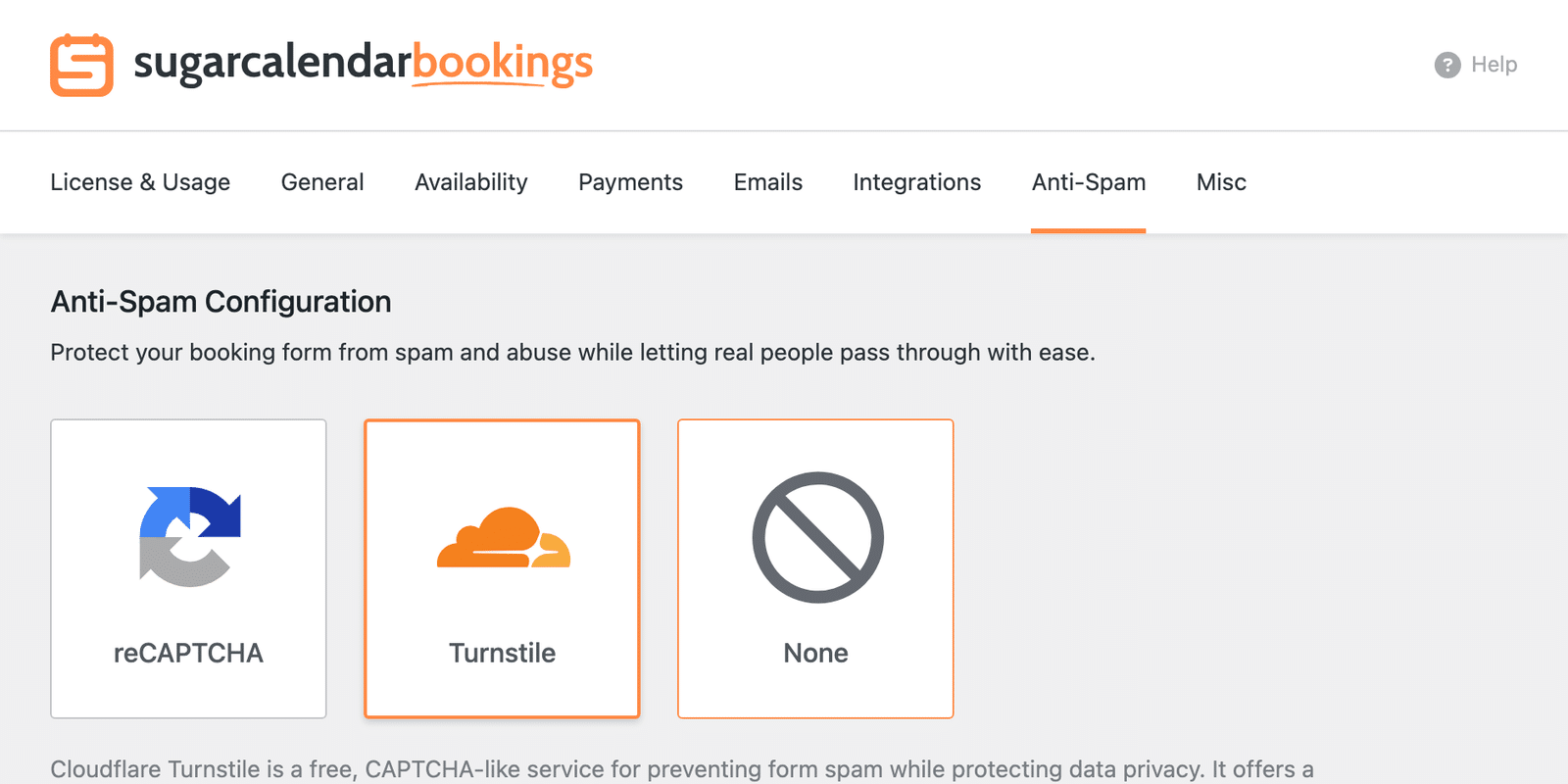
Turnstile is a free, CAPTCHA-like solution for preventing spam on online forms while protecting data privacy.
It is offered by Cloudflare and provides a user-friendly experience by validating visitors without requiring them to solve puzzles or math questions.
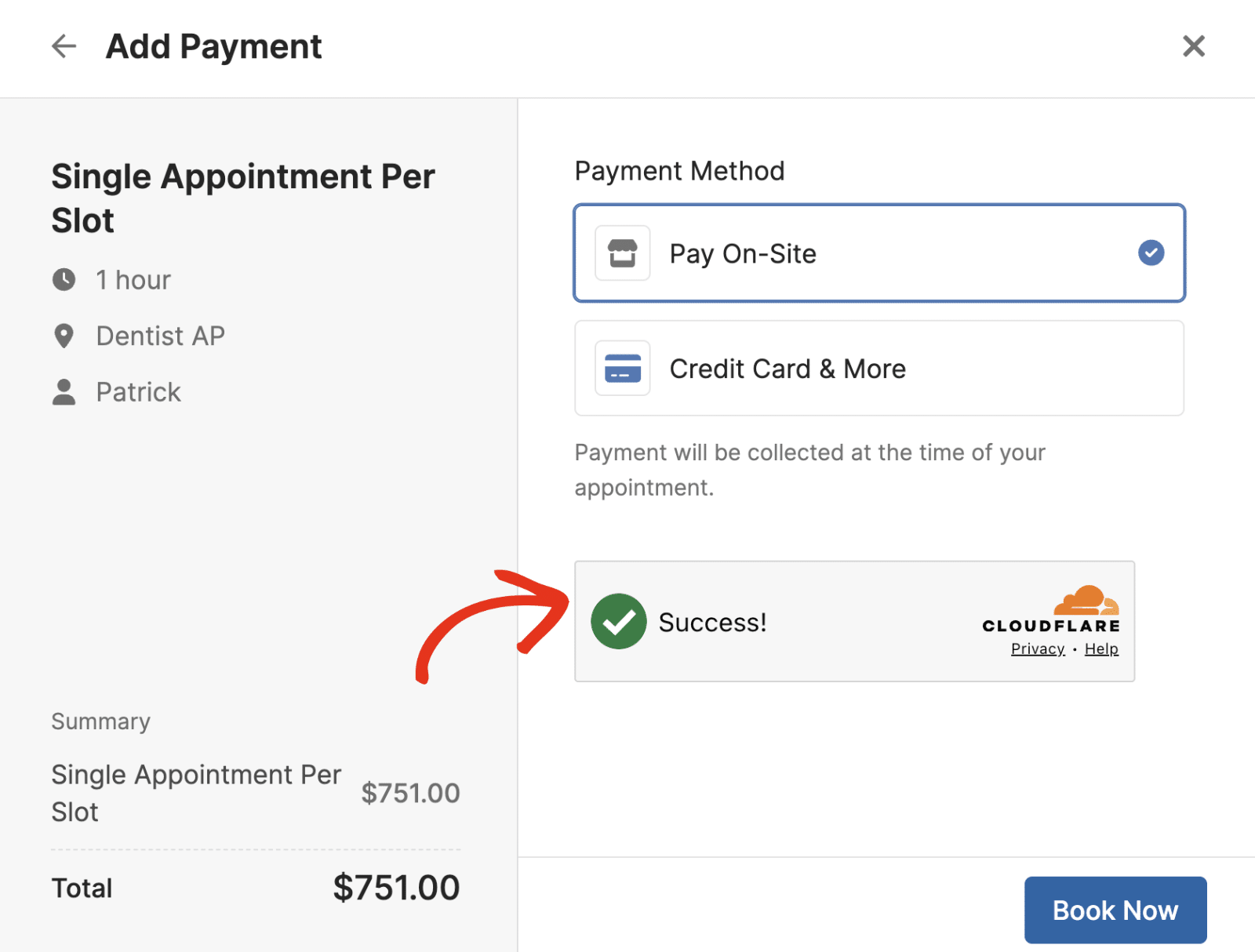
After configuring it, visitors will see a checkbox requiring them to confirm that they’re human before submitting your booking form.
That’s it! You’ve now learned about the available spam protection options in Sugar Calendar Bookings and how to configure them.
Next, would you like to let customers book a specific service directly? Our guide on managing booking services covers sharing a service booking page in detail.